

Senior Tech Help Mornington Peninsula
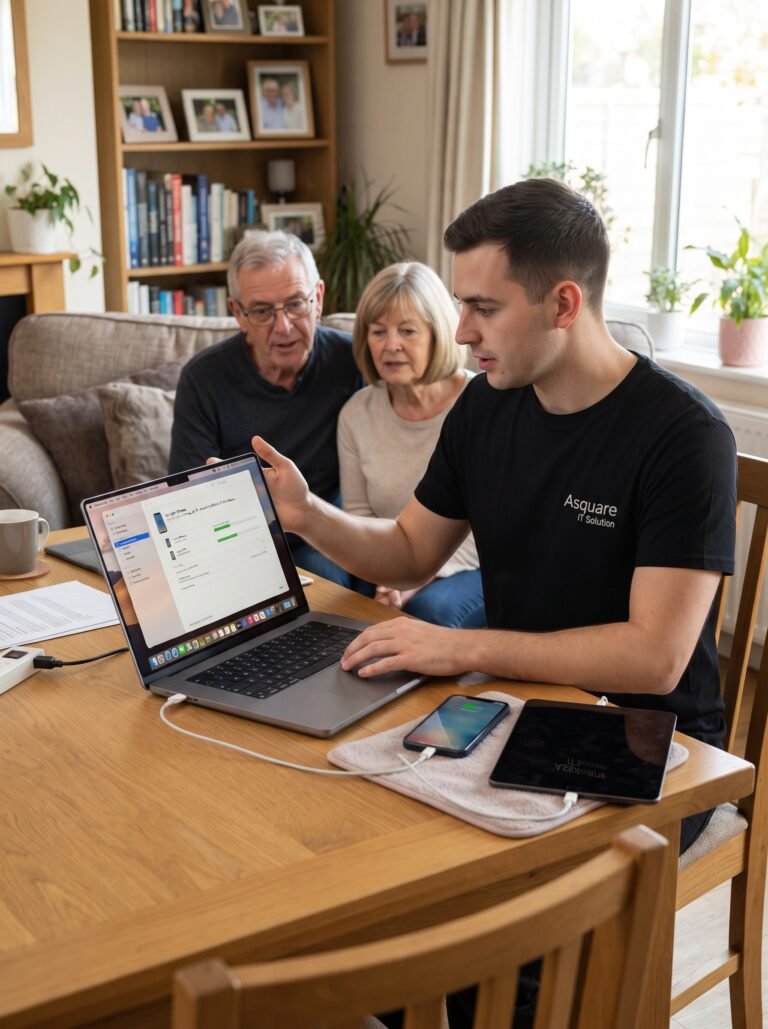
Patient, friendly technology support for seniors, parents, and family members who aren’t comfortable with computers and smart devices. We explain things in plain English and never rush through a job. From setting up computers and phones to fixing email, Wi-Fi, printers, passwords, and everyday technology problems, our technicians take the time to make sure everything is working and that you understand how to use it. We can provide onsite support across the Mornington Peninsula or remote assistance when appropriate.
No Fix- No Fee !
What We Can do for beloved seniors
Computer & Laptop Help
Help with Windows PCs and Macs, including slow computers, updates, software installation, settings, and everyday computer problems.
Phone & Tablet Help
We help seniors set up and use iPhones, iPads, Android phones, and tablets, including apps, settings, photos, contacts, and everyday features.
Email & Online Accounts
We set up and troubleshoot email accounts, passwords, online services, Microsoft and Google accounts, and help you understand how to use them safely.
Wi-Fi, Printer & Smart Devices
We connect Wi-Fi, printers, smart TVs, speakers, cameras, and other home technology so your devices work together reliably.
Photos, Files & Data Transfer
We help organise and transfer photos, documents, contacts, and other important files between computers, phones, tablets, USB drives, and new devices.
Patient One-on-One Tech Training
Not sure how to use a new device or app? We explain everything step by step in plain English, answer your questions patiently, and can leave simple notes to help you remember later.
Book our Expert Technician
Having technology problems? Our friendly IT specialists are here to help you get everything running smoothly. We provide reliable on-site and remote support, with flexible service available 7 days a week. Book your appointment today and let us take care of your tech needs.
What Our Senior Tech Help Visit Includes
Our senior-friendly technology support is designed around patience, clear explanations, and practical help. We can assist with computers, phones, tablets, email, video calls, photo sharing, printers, software updates, online accounts, and everyday technology questions. We can also help you understand basic online safety, recognise common scams, and improve your account security.
We don’t rush through the appointment. Our technicians explain each step in plain English, answer questions as they come up, and can leave simple written notes so you can follow the steps again later. Family members, including children or grandchildren, can also be involved when helpful.
Why Choose Asquare IT Solutions for Senior Tech Support?
Patient, Friendly & Reliable Support
Technology can be frustrating when you’re not sure what to click or don’t understand the technical language. Our technicians take the time to listen, explain things clearly, and work through problems at a comfortable pace. We focus on solving the issue while helping you understand what we’re doing.
Practical Help for Everyday Technology
We help with the technology you use every day, from computers, phones and tablets to email, printers, Wi-Fi, video calls, photos and online accounts. Rather than giving you complicated instructions, we show you practical steps that make your devices easier and more comfortable to use.
Senior-Friendly One-on-One Support
We have the patience to work through technology step by step, without rushing or making you feel uncomfortable about asking questions. Our technicians explain things in plain English, can leave simple written notes for later, and are happy to involve a family member when that makes things easier. The goal isn’t just to fix the problem, it’s to help you feel more confident using your technology.
No Queue, No Waiting, No pressing numbers
Fill Form or Call
Simply fill out the form or give us a call, and we’ll arrange a convenient time for one of our expert technicians to help you – whether it’s a computer, laptop, printer, Wi-Fi, email account and much more!
Common Tech Problems faced by seniors
Common Technology Problems We Help Seniors With Across the Mornington Peninsula
We help with everyday technology issues including slow computers, confusing phone and tablet settings, email problems, printer setup, Wi-Fi connections, video calling, photo transfers, software updates, online accounts, and general questions about using technology.
Computer, Phone & Tablet Problems
Slow computers, confusing settings, software updates, new devices, apps, missing contacts, and general difficulty using a PC, Mac, iPhone, iPad or Android device.
Email, Password & Account Problems
Can't access email, forgotten passwords, account setup, confusing sign-in screens, Gmail/Outlook problems, and help managing important online accounts.
Wi-Fi, Printer & Video Calling Problems
Wi-Fi not connecting, printers not working, Zoom or FaceTime problems, difficulty joining video calls, and connecting everyday devices to the home network.
Scam, Security & Online Safety Concerns
Suspicious emails, text messages, pop-ups, fake tech-support calls, phishing attempts, and questions about whether something online is safe. This is particularly relevant for Australian seniors, with government sources specifically warning about scams targeting older Australians.
Frequently Asked Questions
Yes. We can help you navigate online banking and myGov, including account access, security settings, and general setup. For your safety, we never ask for, record, or handle your banking passwords, PINs, or security codes. We can guide you through the official processes while you enter sensitive information yourself.
Yes. We offer a concession rate for eligible seniors and pensioners on hourly technician services. Please mention that you’re eligible when booking so we can apply the appropriate rate.
Yes. We can provide simple step-by-step notes in plain English covering the tasks we’ve worked through during your visit. We can print the notes for you or send them by email, so you can refer back to them whenever you need.
Yes. If you receive a suspicious email, text message, pop-up, or phone call, we can help you understand what happened and check your device and account settings for obvious security concerns. We can guide you through the appropriate official security steps, but we will never ask for your passwords, banking PINs, or security codes.
Mornington
Moorooduc
Mount Eliza
Mount Martha
Somerville
Tyabb
Hastings
Bittern
Crib Point
Balnarring
Balnarring Beach
Merricks North
Merricks Beach
Rye
Tootgarook
St Andrews Beach
Sorrento
Blairgowrie
Portsea
Capel Sound
Dromana
Safety Beach
Rosebud
Main Ridge
Cape Schanck
Red Hill
McCrae
If you have any questions about our services, please give us a call